Outbound Call Settings Guide for MIMI AI Call Agent
📞 Outbound Call Settings Guide for MIMI AI Call Agent
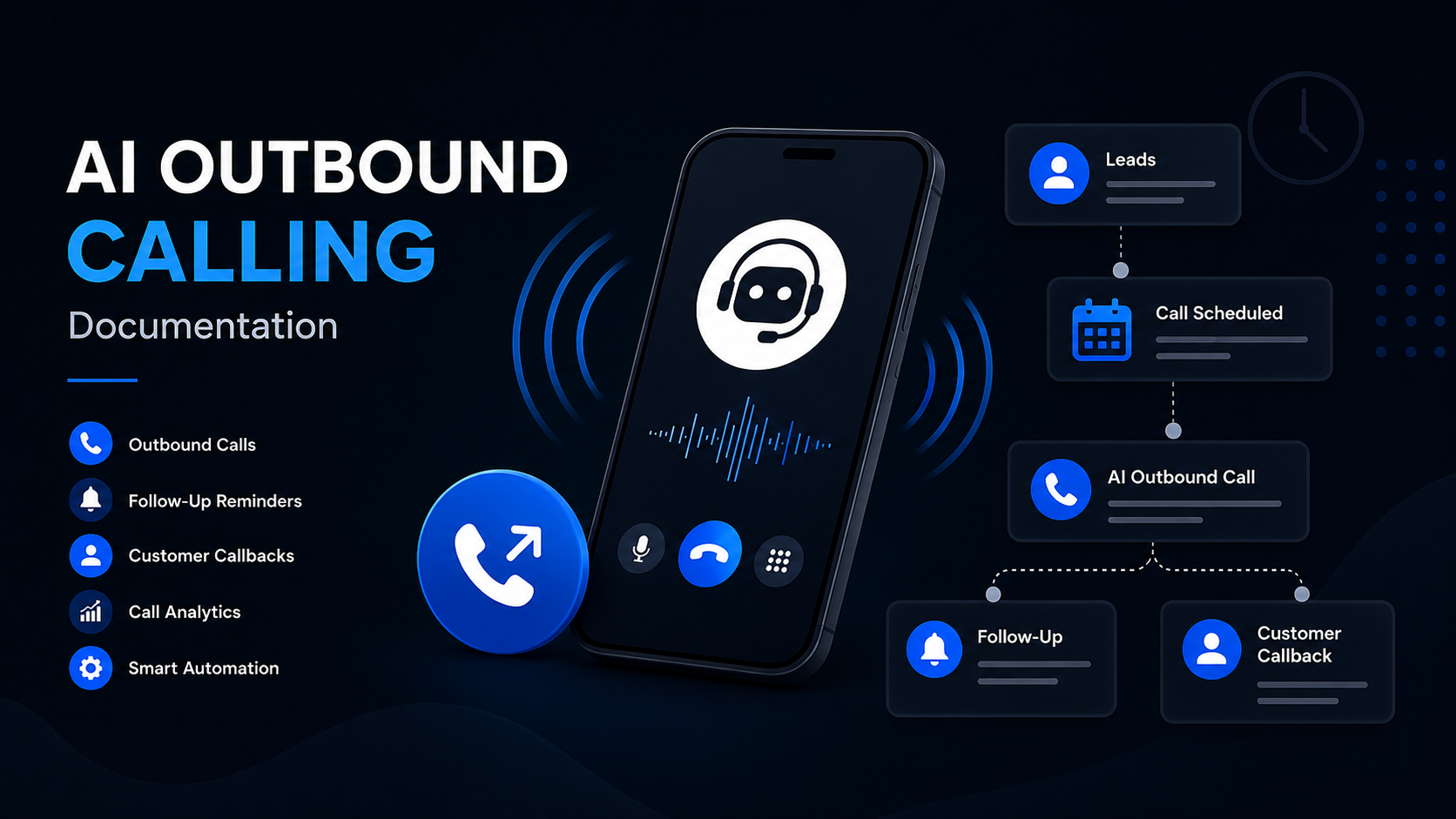
Outbound call settings control how MIMI places follow-up calls, what the AI says during those calls, when calls are allowed, and where outbound leads come from.
This guide helps tenant admins understand which outbound settings are required before using outbound calling.
✅ What Are Outbound Calls?
Outbound calls are calls started by MIMI instead of the customer.
Examples:
-
📞 Lead follow-up calls
-
📵 Missed-call callbacks
-
📅 Appointment follow-ups
-
⏰ Booking reminders
-
🔁 Customer callback requests
-
📊 Google Sheet lead follow-ups
⚙️ Required Outbound Settings
1. 🔘 Outbound Calling Enabled
This turns outbound calling on or off for the tenant.
If disabled, MIMI will not place outbound calls.
2. 🧠 Outbound System Prompt
This prompt controls how MIMI behaves during outbound calls.
It should explain:
-
🤖 Who MIMI is
-
🏢 Which business MIMI represents
-
📞 Why MIMI is calling
-
📝 What details MIMI should collect
-
🚫 What MIMI must not promise
-
👋 When MIMI should end the call
3. 📌 Default Call Reason
This is used when a lead does not include a call reason.
Examples:
-
📅 Appointment follow-up
-
📵 Missed call follow-up
-
💬 Lead inquiry follow-up
-
⏰ Booking reminder
-
✈️ Travel inquiry follow-up
-
💳 Payment follow-up
4. 🌍 Calling Timezone
This controls the local timezone used for outbound calls.
Example:
Asia/Karachi
5. 📆 Allowed Calling Days
Choose the days when MIMI is allowed to call.
Example:
Monday to Friday
6. 🕘 Calling Start Time
The earliest time MIMI can place outbound calls.
Example:
09:00
7. 🕔 Calling End Time
The latest time MIMI can place outbound calls.
Example:
17:00
8. 📞 Max Calls Per Hour
Limits how many outbound calls MIMI can place in one hour.
9. 📊 Max Calls Per Day
Limits the total number of outbound calls MIMI can place in one day.
10. 🔁 Max Attempts
Controls how many times MIMI can retry the same lead.
11. ⏳ Retry Delay Minutes
Controls how long MIMI waits before retrying a lead.
Example:
1440 minutes = 1 day
12. 📄 Google Sheet ID
If outbound leads come from Google Sheets, add the Google Sheet ID.
13. 📑 Google Sheet Tab Name
Add the exact tab name where leads are stored.
Example:
Leads
14. 🔗 Google Sheets Connection
Google Sheets must be connected if leads are imported from a sheet.
📌 Google Sheets Sync Limitation
When outbound leads are imported from Google Sheets, MIMI primarily uses the phone number to identify whether a matching lead already exists.
Current Behaviour
✅ New row with a new phone number
A new outbound lead is created, and a new outbound call job is scheduled automatically.
🔄 Existing row updated with the same phone number
The existing lead information is updated, but a new outbound call is not scheduled automatically.
🆕 New row with a phone number linked to a completed lead
The new row is treated as a new outbound lead, and a new outbound call job is scheduled automatically, even when the same phone number was used in a previously completed lead.
🚫 Completed outbound leads are protected from duplicate calls
This protection prevents MIMI from accidentally calling the same customer multiple times after an outbound call has already been completed.
🚦 Priority Level
Outbound settings are Priority 2.
Priority 1 settings, such as OpenAI and Twilio, should be configured first because outbound calls also depend on AI and phone-call connectivity.
Priority 2 includes:
-
🔘 Outbound calling enabled
-
🧠 Outbound system prompt
-
📌 Default call reason
-
🌍 Calling timezone
-
📆 Allowed calling days
-
🕘 Calling start time
-
🕔 Calling end time
-
📞 Max calls per hour
-
📊 Max calls per day
-
🔁 Max attempts
-
⏳ Retry delay minutes
-
📄 Google Sheet ID
-
📑 Google Sheet tab name
-
🔗 Google Sheets connection
🧠 Safe Outbound Call Rules
MIMI should:
-
✅ Confirm the person before discussing details
-
📢 Explain why it is calling
-
1️⃣ Ask one question at a time
-
🚫 Respect wrong-number and do-not-call requests
-
🕒 Avoid calling outside allowed hours
-
⚠️ Avoid guaranteeing prices, approvals, availability, refunds, or bookings
-
🔐 Avoid sharing sensitive details with the wrong person
-
📝 Summarize collected details before ending the call
-
👨💼 Send the customer to a human team member when needed
🧾 Example Outbound Call Flow
-
👋 MIMI introduces itself.
-
✅ MIMI confirms the intended person.
-
📞 MIMI explains the reason for the call.
-
🕒 MIMI asks if now is a good time.
-
📝 MIMI collects or confirms details.
-
📋 MIMI summarizes the information.
-
➡️ MIMI explains the next step.
-
👋 MIMI ends the call politely.
✅ Completion Checklist
Before using outbound calls, confirm:
-
✅ Outbound calling is enabled
-
✅ Outbound system prompt is added
-
✅ Default call reason is added
-
✅ Calling timezone is configured
-
✅ Allowed calling days are selected
-
✅ Calling start time is configured
-
✅ Calling end time is configured
-
✅ Max calls per hour is configured
-
✅ Max calls per day is configured
-
✅ Max attempts are configured
-
✅ Retry delay minutes are configured
-
✅ Google Sheet ID is added if using Google Sheets
-
✅ Google Sheet tab name is added if using Google Sheets
-
✅ Google Sheets connection is connected if using Google Sheets
-
✅ OpenAI settings are configured
-
✅ Twilio settings are configured